Paste subtitle lines
Use a short scene or lines you just watched, so every item starts from real language.
Paste a short scene, subtitle lines, or video notes. Vokai finds useful vocabulary, keeps context nearby, and helps you review the words and phrases that slip.
Sample subtitle lines
I was about to call you, but the signal dropped.
We should figure it out before the meeting starts.
That explains why everyone seemed confused.
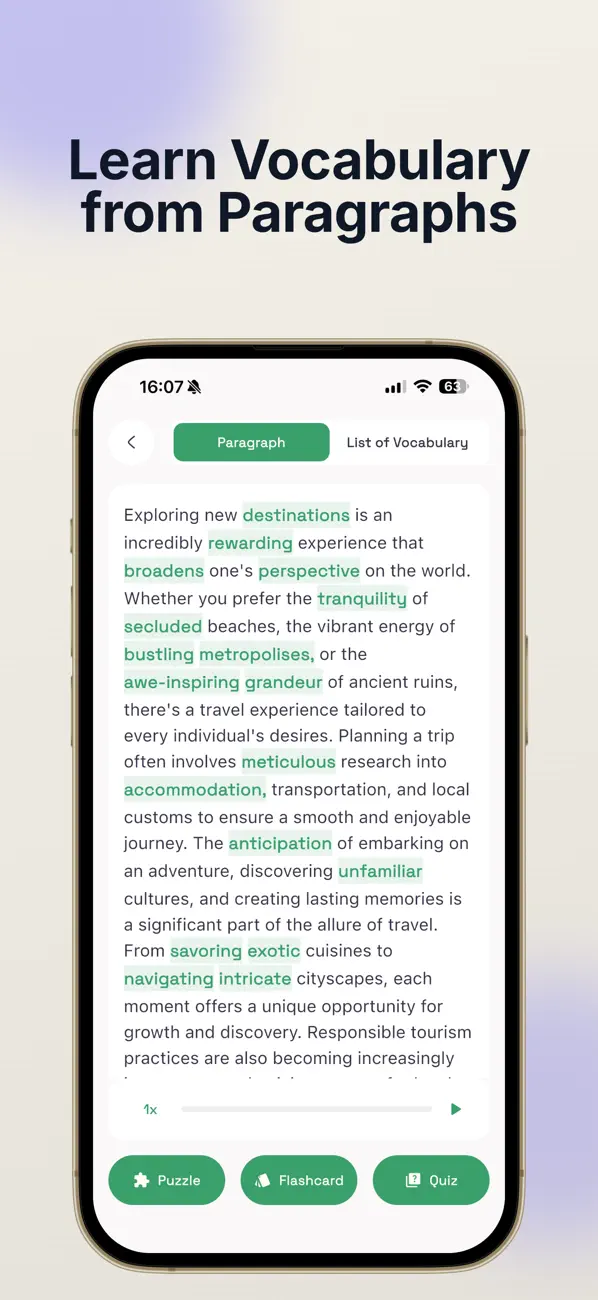
Review loop
Save the useful items, then let Today bring them back when they matter.
Source to memory
Use a short scene or lines you just watched, so every item starts from real language.
Save words, phrases, collocations, and idioms that are worth hearing again.
Today review brings the items back with context, so subtitles become a repeatable study habit.
Why it works
The point is not to collect more words. It is to keep the useful ones attached to their source, then revisit the ones your memory drops.
Turn videos, shows, and listening practice into vocabulary review without building lists by hand.
Each item remains tied to nearby language, which helps you remember how it was actually used.
If a phrase is difficult, Vokai can bring it back through weak-word review and practice modes.
Use one short source, save a small set, then complete a review session instead of collecting endlessly.
Questions
Yes. Paste a short set of subtitle lines or scene notes, then review useful words and phrases with context.
Yes. Vokai can work with phrases, collocations, idioms, and single words, which is useful when subtitle language comes in chunks.
A short scene or a handful of lines is enough. The best source is something you actually watched and want to understand better.
Keep exploring
These related guides help visitors move from a single use case into a broader vocabulary routine, which makes the page cluster stronger for both people and search.

Download Vokai and turn subtitles into contextual vocabulary review.