Bring what you care about
Paste an article, lesson, email, subtitle, exam passage, or ask Vokai to generate a paragraph around your topic.
Paste an article, lesson, subtitle, note, or topic. Vokai turns it into a daily plan that helps you remember useful words in context through flashcards, quizzes, puzzles, and forgetful-word review.
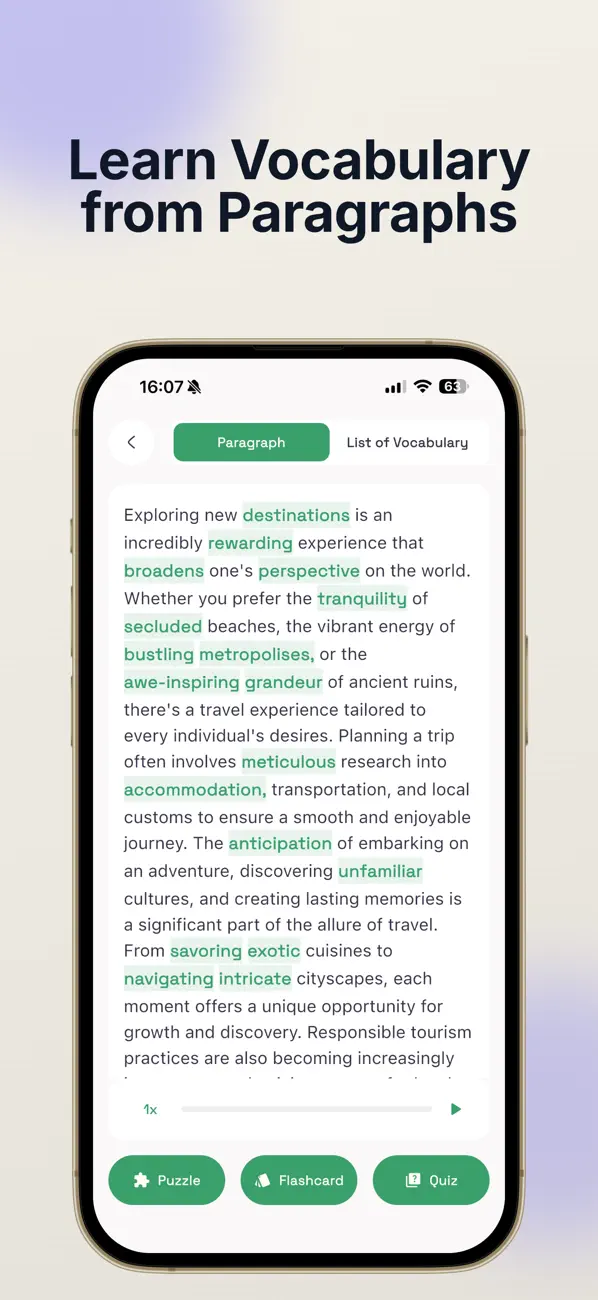
The Vokai loop
Paste an article, lesson, email, subtitle, exam passage, or ask Vokai to generate a paragraph around your topic.
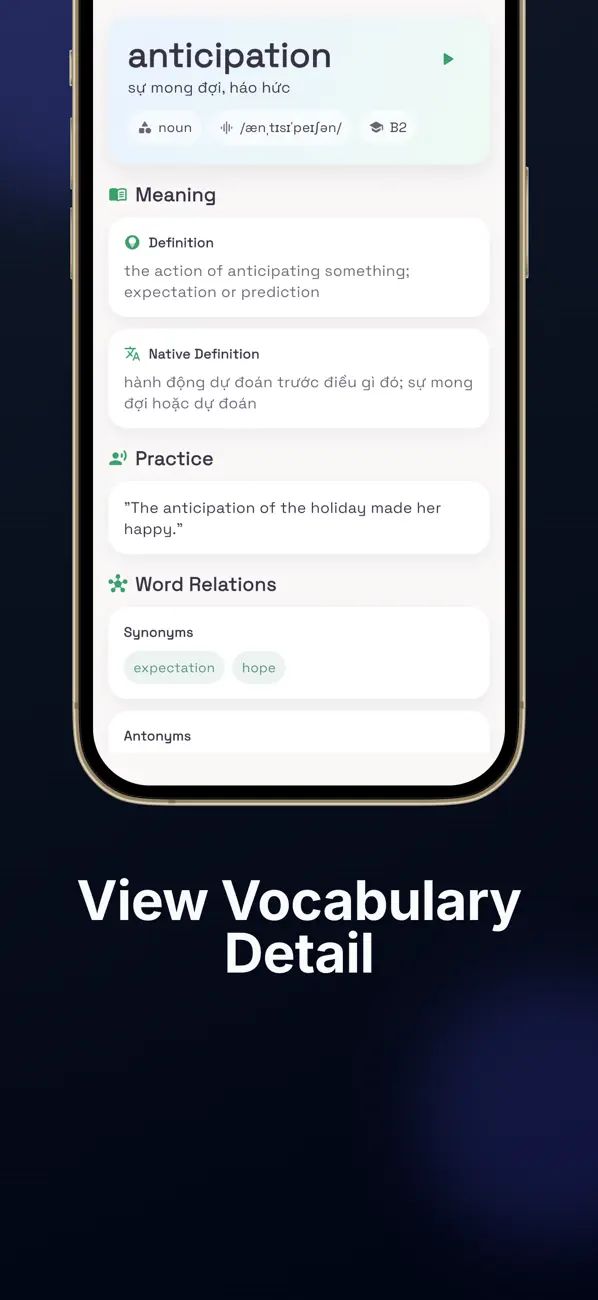
Vokai extracts useful words, keeps the original sentence nearby, and turns the set into focused practice for the day.
Forgetful words come back through flashcards, quizzes, and puzzles, so review follows your memory instead of a random list.
What to paste first
Vokai is sharpest when the source matters: a passage you need for an exam, a scene you want to understand, a work message you have to answer, or a lesson you just finished.
Turn emails, meeting notes, forms, customer messages, or job-interview topics into vocabulary for the situations you need to handle.
Use Vokai beside a tutor, course, or textbook so each lesson turns into a personal review queue.
Guides
Start with one source, save useful language, then review what slips.
Your daily plan
Vokai is built for the small study loop that actually fits a day: collect words from one meaningful source, review them with context, then revisit the ones your memory drops.
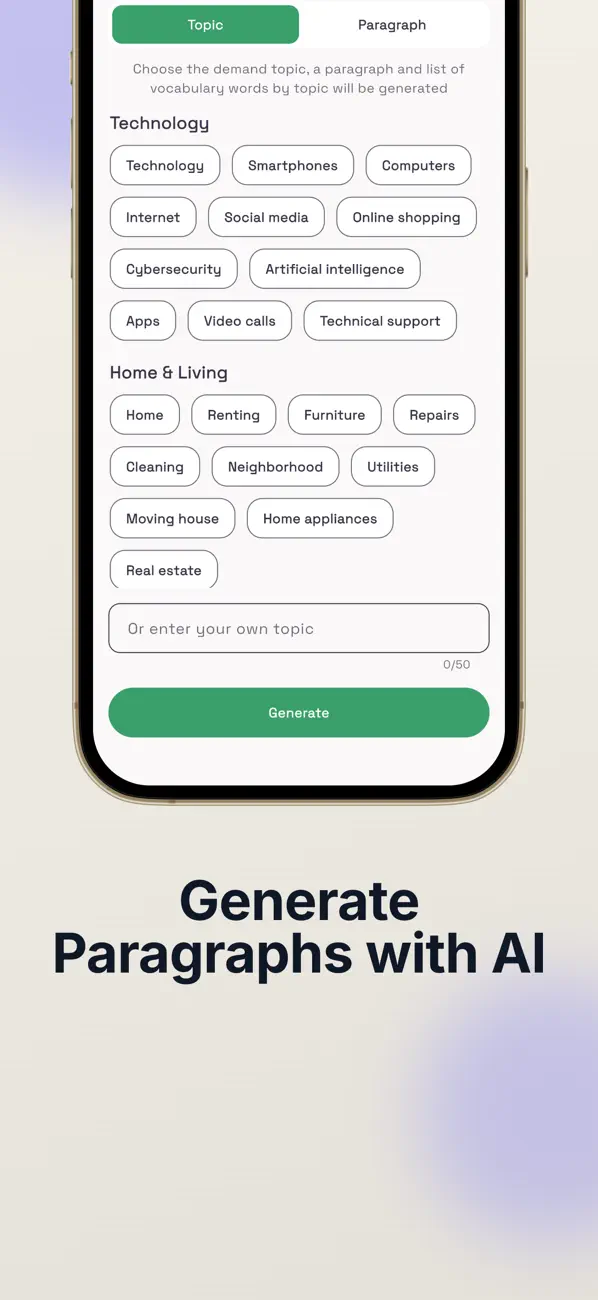
Today mission
The first lesson starts the loop. Today mission keeps it moving by mixing due, weak, and new vocabulary into a short review session.
Review vocabulary scheduled for today.
Bring back words you missed before.
Start remembering fresh items from your latest lesson.
Track weekly accuracy, mastered words, and review streaks.
A daily queue from due words, weak words, and fresh vocabulary.
The words you miss return before they fade.
Use with your course
Vokai works best beside a tutor, course, or textbook. Use it to turn one lesson into a personal review queue instead of letting the useful words disappear before the next session.
Paste the lesson paragraph, notes, or homework text that introduced the vocabulary.
Save only the words and phrases you want to meet again with context nearby.
Bring weak words back so the next class starts from memory instead of re-explaining.
Turn one lesson into vocabulary you can revisit before the next class.
A companion to your tutor, not a replacement for the lesson itself.
Context first
Vokai is not trying to replace your course, tutor, or favorite language app. It gives your real reading a vocabulary layer, then helps you practice the words that matter most.
Turn one meaningful source into today's study session.
Keep sentence-level context beside every new word.
Practice forgotten words before they fade.
Words you miss are pulled back into practice, giving difficult vocabulary a cleaner path from "seen" to "remembered".
Use Vokai beside your textbook, reading habit, tutor, or favorite app when you need faster vocabulary capture.
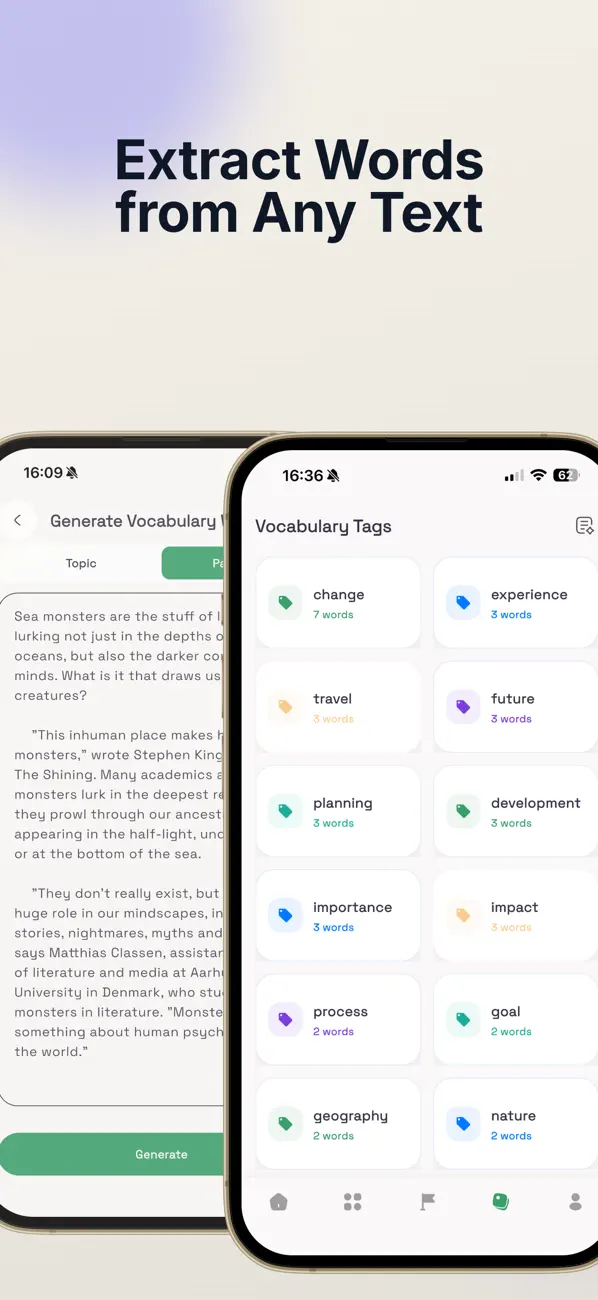
Generate from a topic or paste the exact paragraph you care about.
Read, listen, review, and let difficult words come back on purpose.
A sharper wedge
Vokai works best as a focused companion for reading-heavy learners, exam prep, self-study, subtitles, and real-life text.
Questions
Vokai is built as a focused companion for reading, lessons, subtitles, and review. Here is the practical version.
You can paste articles, lessons, subtitles, notes, emails, exam passages, or any short text you want to understand better. You can also generate a paragraph from a topic.
No. Vokai works best beside a course, tutor, textbook, or reading habit. It adds a contextual vocabulary layer and daily review loop to material you already care about.
Vokai can work with single words, phrases, collocations, and idioms, so the review feels closer to real language use.
Vokai is designed for multilingual learners and supports many learning-language and native-language combinations. The exact experience depends on the language pair and the source text you use.
Vokai keeps each word connected to context, then brings due, new, and weak words back through a Today review mission, flashcards, quizzes, puzzles, and text-to-speech.
Use the app with the same care you would use for any learning tool: avoid pasting highly sensitive personal, work, or confidential information, and prefer safe sample text when needed.
Vokai is free to start. Paid plans add more generation capacity and stronger learning benefits such as deeper review history, phrases, progress, and no ads on Premium.
Download Vokai for iPhone, iPad, or Android and turn everyday reading into a repeatable vocabulary plan.